
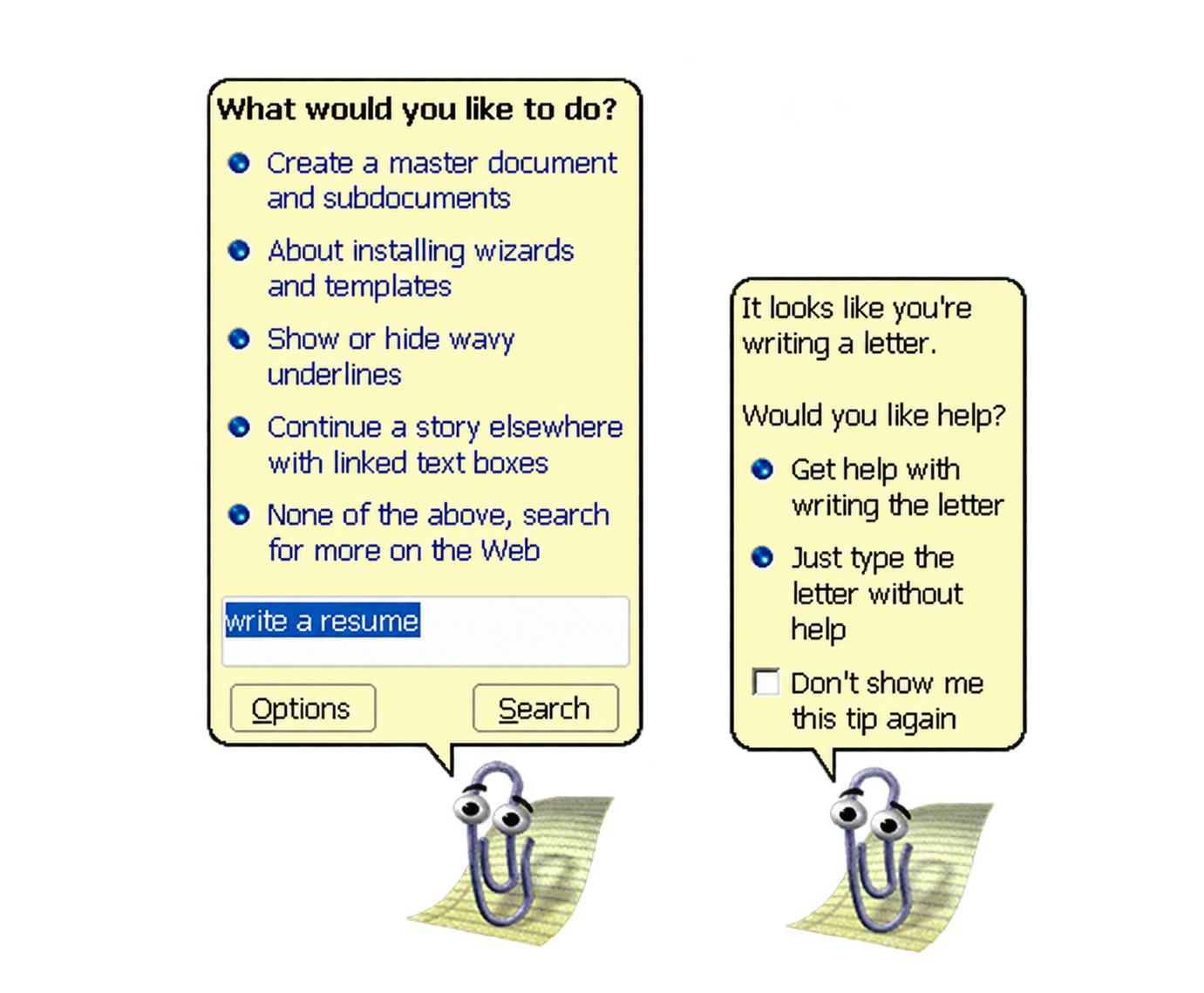
Microsoft’s most famous paperclip saw the future of digital assistance. It missed the one thing that would decide its fate: the value of our attention.
I was writing a letter.
A few words in, I knew exactly what I wanted to say. I was focused. Then a paperclip with eyes appeared in the corner of my screen.
It moved. It watched. It looked delighted to have found me.
“It looks like you’re writing a letter. Would you like help?”
No. Just let me write the damn letter.
Clippy meant well. It was trying to do something we now ask of every AI assistant: recognise the context and offer help at the right moment.
It saw the future. It just didn’t know when to get out of the way.
The assistant that arrived before we were ready
Clippy, officially called Clippit, arrived with Microsoft Office 97.
Its job made sense. Office was becoming more powerful. Useful features were disappearing into menus and dialogue boxes. People needed help finding them.
Instead of making you search for an answer, the software tried to anticipate your question.
That sounds remarkably modern. The execution became famous for the wrong reasons.
Clippy recognised patterns in what you were doing. But recognising a pattern is not the same as understanding what it means.
Start typing a letter, and it could infer that you were writing one. It couldn’t tell whether you needed help.
That small gap shaped its entire story.
With Office XP in 2001, Microsoft turned the assistant off by default. Office 2007 removed it.
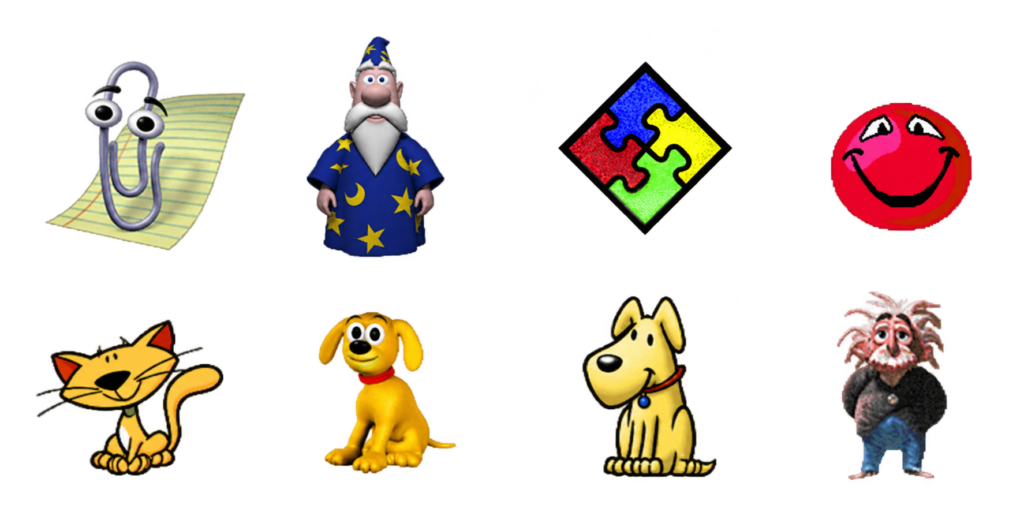
The paperclip disappeared. The problem it was trying to solve stayed.
The invisible price of an interruption
Here is something we forget when we design digital tools.
Being useful does not automatically earn you the right to interrupt.
A suggestion can be technically correct and arrive at precisely the wrong moment.
Every time Clippy appeared, you had to stop thinking, read its offer, assess its relevance and decide what to do.
One click could dismiss it. But the click wasn’t the full cost. You had lost your train of thought, even if only for a few seconds.
Repeat that ten, fifty, a hundred times. Assistance begins to feel like another job.
My reading of Clippy’s failure is simple:
It demanded more attention than it saved.
An assistant should reduce the work required to finish a task. It should also protect the concentration required to do it well.
Give software a face, and we expect it to understand us
Clippy had eyes, eyebrows, expressions and a personality. It felt like someone.
And when software behaves like a person, we start expecting human qualities: sensitivity, timing, discretion.
Interrupt me, and I expect a good reason. Watch what I’m doing, and I expect you to understand something about it. Offer help, and I expect that help to matter.
Clippy’s behaviour implied a depth of understanding its technology could not deliver.
Its personality promised more social intelligence than the software could support.
Today’s AI assistants can process natural language, analyse documents, use tools and carry out increasingly complex sequences of actions.
But greater technical capability does not automatically produce better judgement about when to intervene.
An assistant can become far more capable than Clippy and remain just as intrusive.
Behaviour is evidence. It isn’t permission.
Imagine an assistant watching how someone navigates a website.
The pointer hasn’t moved for twenty seconds. Is the visitor confused? Perhaps. Or perhaps they are reading something worth their attention.
They keep returning to the same section. Are they struggling? Maybe they are comparing two ideas.
They scroll straight to the bottom. Are they bored? They might be looking for a source, a conclusion or one specific detail.
An observed behaviour is a clue, not proof of an intention.
AI systems can form increasingly sophisticated hypotheses. They still need to treat those hypotheses as hypotheses, rather than authorisation.
“This person might need help” is a long way from “This person has asked me to help.”
That distinction matters even more when the assistant can act, rather than simply suggest.
Why we’re bringing Clippy back to HiTechStories
An animated paperclip is an unlikely symbol for the future of AI. Its failure, however, raises a design question we still haven’t answered:
How do you offer help without turning it into an interruption?
At HiTechStories, we are experimenting with a new Clippy to help visitors find relevant content, learning paths and tools.
Making it appear is the easy part. Deciding when it should stay invisible is the interesting part.
We want to distinguish signs of possible uncertainty from explicit requests for assistance.
When it offers something, the reason should be understandable and the choice concrete.
“Looking for a place to begin? Start Here introduces the main paths through the site.”
“Want to know what you would receive as a subscriber? Read an edition of the Digest before deciding.”
No mysterious recommendations. No pretence of reading the visitor’s mind. No need to turn every hesitation into another bid for attention.
This is a design goal, not a result we can already claim. We are measuring the experience so we can improve it and learn from the mistakes we will inevitably make.
Clippy gives us a useful place to start.
The best assistant may be the one that knows when to stay quiet
We want more people to discover HiTechStories and become readers.
But persuading someone to stay is different from giving them a reason to return.
An assistant can chase a click or earn trust. It can multiply suggestions or intervene when it has something worth adding.
Technology should make it easier to achieve your goal. It shouldn’t become another presence you have to manage.
Clippy left us a lesson worth keeping:
An assistant earns its place by saving your attention.
In the age of agentic AI, we can take that thought further.
An assistant’s intelligence is measured by what it can do. It is also measured by what it knows to leave alone.
The next time software offers to help, ask yourself more than whether the suggestion is useful.
Is it respecting my attention—or competing for it?
Further reading: Wired: Office XP and the Office Assistant · Wired: farewell to Clippy.
Topics: #Clippy #ArtificialIntelligence #AgenticAI #HumanCenteredDesign #UserExperience #DigitalTransformation
Editorial notes and attribution
Microsoft and Clippy. Clippy is a character originally developed by Microsoft for its Office suite. The name, character and associated trademarks belong to their respective owners. The HiTechStories reinterpretation is an independent project, neither affiliated with nor endorsed by Microsoft.
Editorial transparency. Parts of this article, including text and images, may have been developed with the support of AI tools under the author’s editorial supervision.
Leave a Reply